The driver's side of every load, on the phone they already carry.
Drivers open FleetBlink in their phone's browser and sign in with an email code. They accept the load, see each stop and the paperwork it needs, record the trip as it happens, and capture proof of delivery at the door.
14 days free, no card needed.
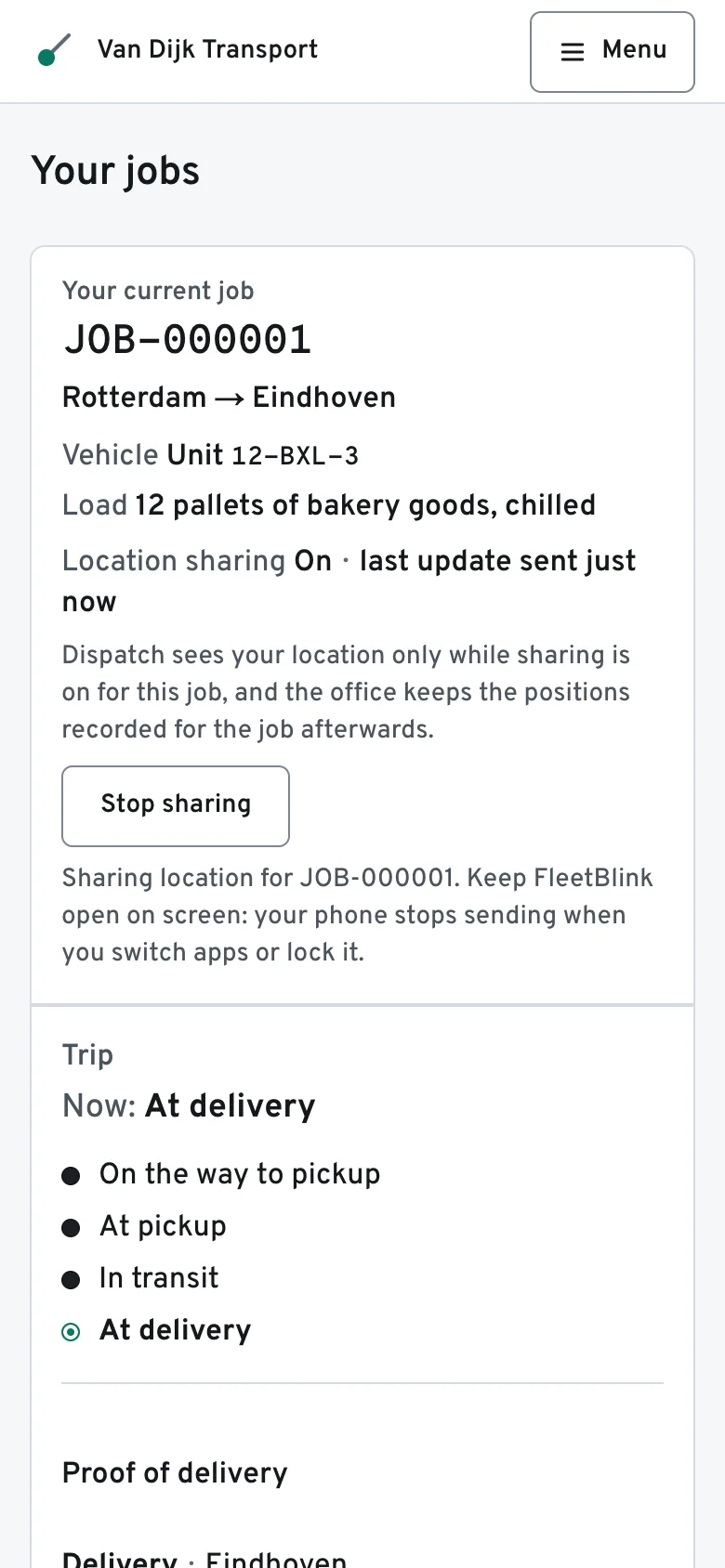
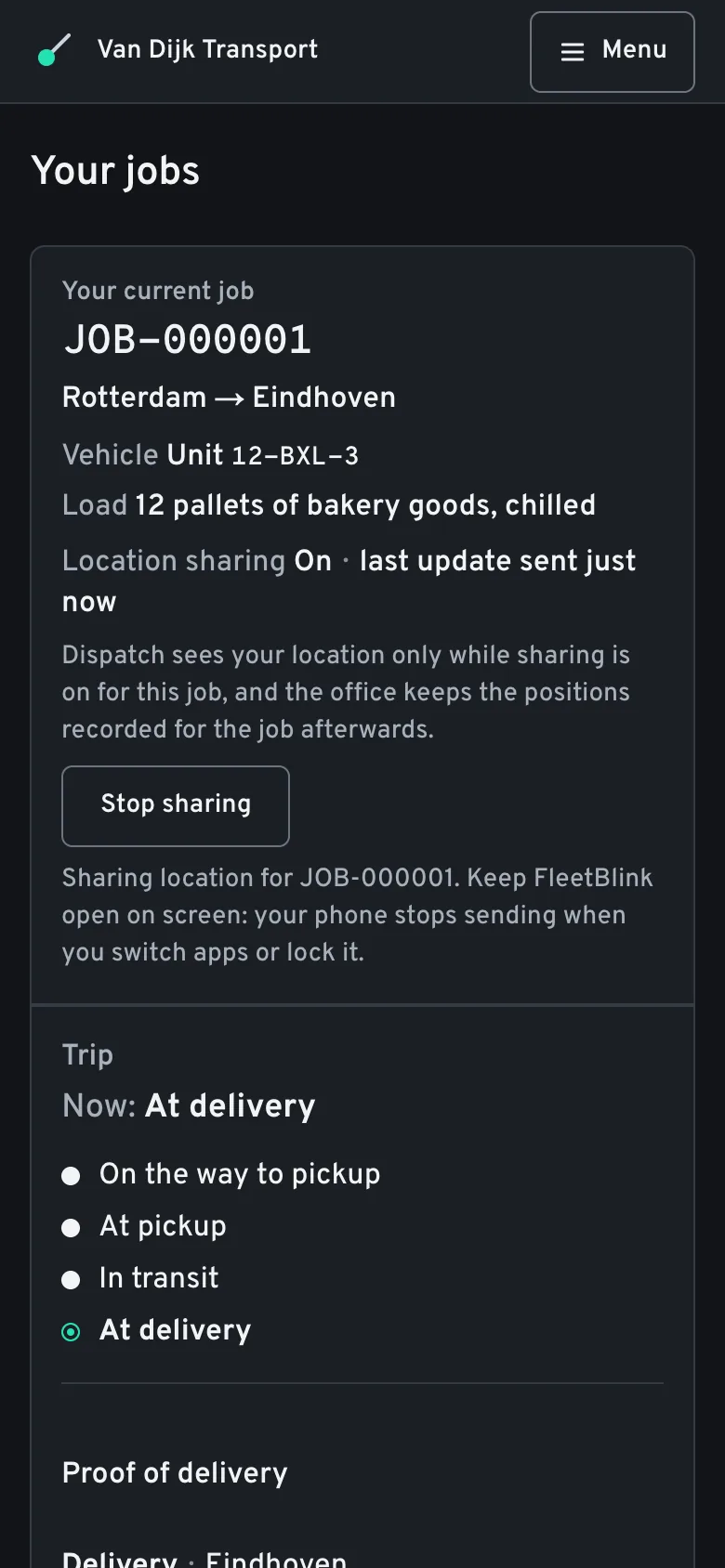
The FleetBlink driver app on a phone, with made-up data: the current load from Rotterdam to Eindhoven with its truck and cargo, location sharing on with the last update just sent, and the trip at the delivery stop, with proof of delivery next.
What the driver does in it
Proof of delivery at the door
The recipient's name and a photo or signature, recorded on the phone. Short, damaged or partly refused? The driver records that before the proof, with photos. A proof can't be changed or deleted later.
Accept or decline the load
A new offer shows the route, the windows, the truck and the cargo. The driver accepts or declines with a reason.
The trip, step by step
En route, at pickup, loaded, in transit, at delivery: one tap each. Arrival and departure at each stop are recorded with the time, for detention.
Paperwork and problems
The stop shows which documents it needs, and the driver captures them there. A delay or a problem goes to the office as a report, not a phone call.
From offer to proof
Offer
Dispatch offers the load. The driver sees it the next time the app is open.
Trip
The driver starts the trip and taps each step. Sharing location is the driver's choice.
Stops
When the phone has stayed near a stop on the map for 5 minutes with no arrival recorded, the app asks the driver to tap Arrived.
Proof
At delivery the driver records the proof, and the office sees it at once.
What it doesn't do
- It isn't an ELD and doesn't record hours of service.
- It isn't an e-BOL: it captures photos of the paperwork, not a signed electronic bill of lading.
- It shares location only while sharing is on and FleetBlink is open on the screen.
Driver app questions
What is a proof of delivery app?
An app a driver uses to record a delivery at the door instead of bringing back a paper slip. In FleetBlink the driver records the recipient's name and a photo or signature at the stop, and it's saved on the load with the time it was recorded.
Do drivers need to install an app?
No. They open FleetBlink in the phone's browser and sign in with a code sent to their email. There's no password.
Does it work in Dutch?
Yes. A driver who chooses Dutch sees the whole driver app in Dutch, with 24-hour times.
Is the signature required for proof of delivery?
No. The recipient's name with a photo or a signature is proof. The driver records what the delivery allows.
Do drivers count toward the price?
No. You pay per vehicle on your board; drivers aren't counted.
Run your next load on FleetBlink.
14 days free, no card needed. Prefer a walkthrough first? Book a live demo.